Documentation
Getting started with LlamaBoss
LlamaBoss is a native Windows AI workspace. Run GGUF models locally, connect to an OpenAI-compatible endpoint when you choose, and give models controlled access to files and tools.
Install
- Download the current Windows installer from the LlamaBoss home page.
- Run the
.exeand complete the installer. - Open LlamaBoss from the Start menu or desktop shortcut.
LlamaBoss is independently published and may not yet have enough reputation for SmartScreen. When the installer came from llamaboss.com, choose More info → Run anyway. The source is available on GitHub for inspection.
Choose your first model
Open the model pill at the top of the window or open Settings. You can download a curated model, select a GGUF already in your models folder, change the models folder, or select a model supplied by a configured remote endpoint.
A smaller model is the safest first test. It loads faster and makes it easier to confirm that the CPU or GPU runtime is working before you try a larger model.
Start a chat
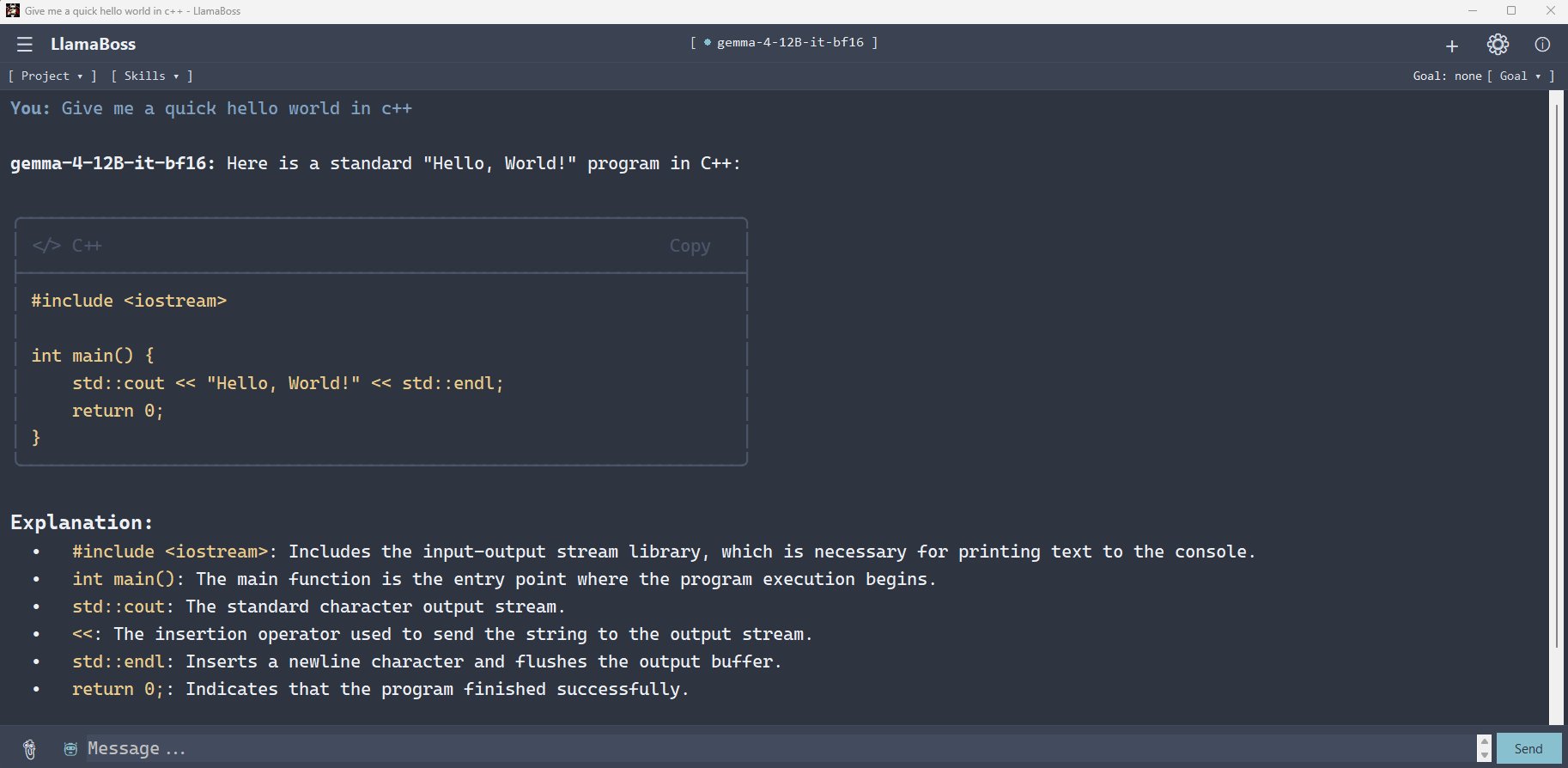
- Type a message and press Enter.
- Use Shift + Enter for a new line.
- Use the paperclip, drag-and-drop, or clipboard paste to add supported files.
- Turn on the robot button when the task needs Agent Mode tools.
Ask the model to explain a small text file or screenshot. Then enable Agent Mode and ask it to list the current workspace. This tests ordinary chat, attachments, and a safe read-only tool.
Explore the features
Local-first does not mean local-only
With a local GGUF model, conversation inference stays on your computer and can work offline after the model is downloaded. LlamaBoss can also use network features that you deliberately invoke: model downloads, update checks, webpage retrieval, package installation, and configured remote endpoints.
See Privacy & data for exact storage locations and network behavior.